
Practical guide
Plan a multi-site return rollout without multiplying exceptions
Turn one validated return point into a repeatable network plan for equipment, collection, software and service.
Reviewed Read moreA RECYNEX design note on the white cabinet, green circular-link mark and a calmer interface language.
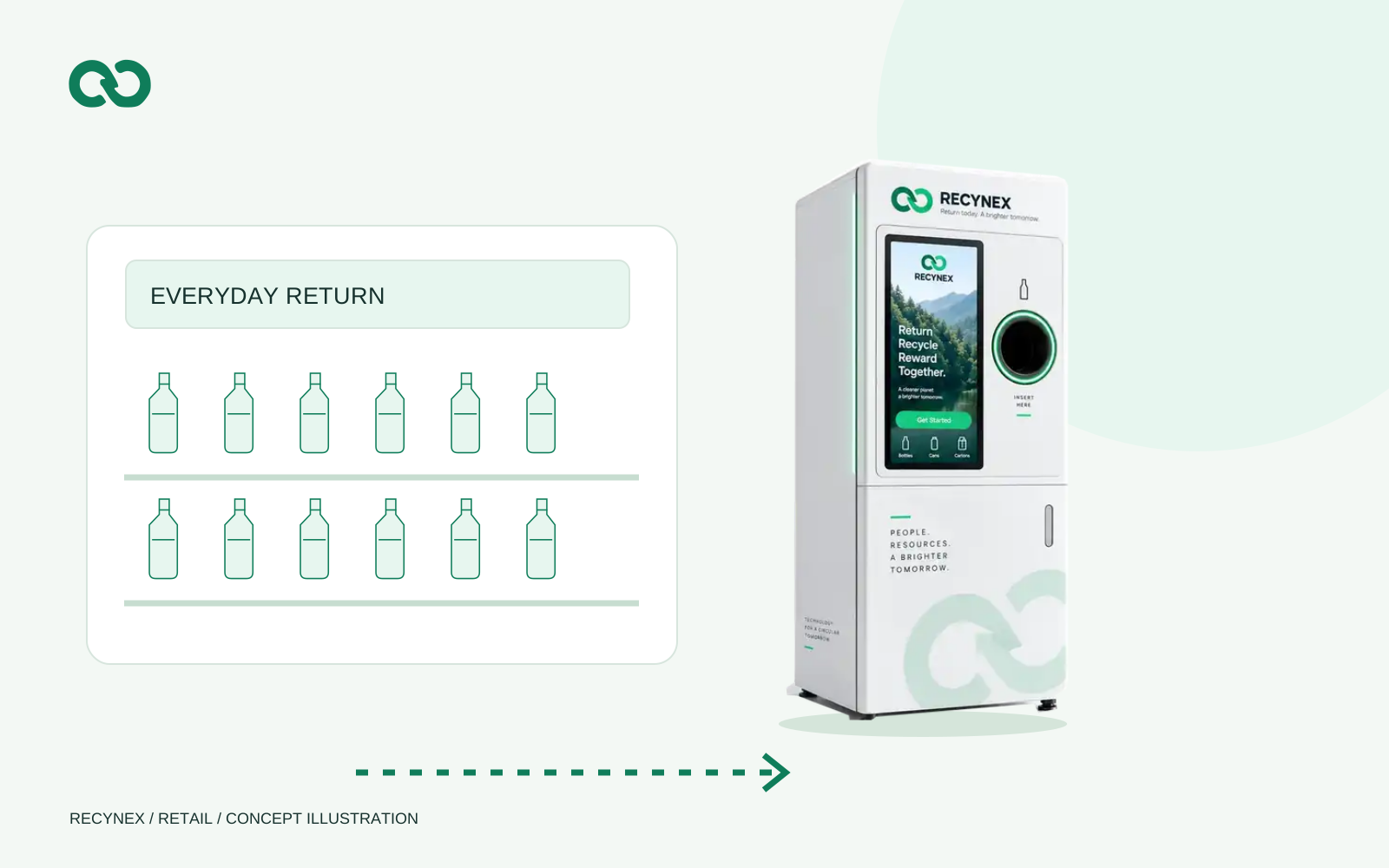
The selected RECYNEX identity uses a white-first cabinet, a green circular-link mark and restrained mint surfaces. The front view keeps the screen on the left and the return opening on the right. This is a visual direction, not a specification sheet or a statement of production readiness.
New pages reuse the same source equipment image and logo paths. Technical diagrams, software views and motion graphics share the same palette. Keeping a single source avoids subtle changes in the cabinet width, intake position or brand mark between a product page and a presentation.
White space is used to separate decisions rather than hide content. Navigation stays visible without scripting; mobile layouts stack the same information instead of replacing it with a different story. Motion is optional, and text remains readable when a user prefers reduced animation.
Approved product photography, dimensional drawings and customer evidence can replace conceptual material as they become available. Update the source asset and its record first, then rebuild every page. Do not independently redraw the cabinet in each new campaign.
A product family with the same screen position, intake language and recognizable service cues makes it easier to compare sites and train operators. The image library gives marketing and sales a stable visual reference; it does not replace a dimensional drawing or a tested configuration. For procurement, pair each image with the selected model, packaging scope, installation requirements and acceptance record.
Every equipment image should make the same cabinet family recognisable, but a rendering cannot prove storage capacity, environmental protection or accepted packaging. Pair a visual with a plain description of what the image represents and keep technical decisions in the approved configuration document. When a site plan changes, update the drawing used for procurement rather than adjusting only the marketing image.
The same discipline applies to software views. An example Cloud screen can explain the kind of work an operator might do; it should not imply that example sites are live customer installations. Label sample records clearly and show a genuine interface capture when one is available. Consistency is useful when it helps a buyer understand the offer without mistaking an illustration for proof.
Compare the six equipment families or send a site brief to move from visual direction to a specific proposal.
Turn one validated return point into a repeatable network plan for equipment, collection, software and service.
Reviewed Read moreSeparate the equipment, subscription, integration and service scopes so a quotation can be compared.
Reviewed Read moreUnderstand the cost lines in an RVM project: selected equipment, site work, software, integrations, installation, training, collection and ongoing support.
Reviewed Read moreShare the location, container stream, operating team and systems already in place.